Fonts To Subfolders
Automatically organize font files into subfolders by family name
About
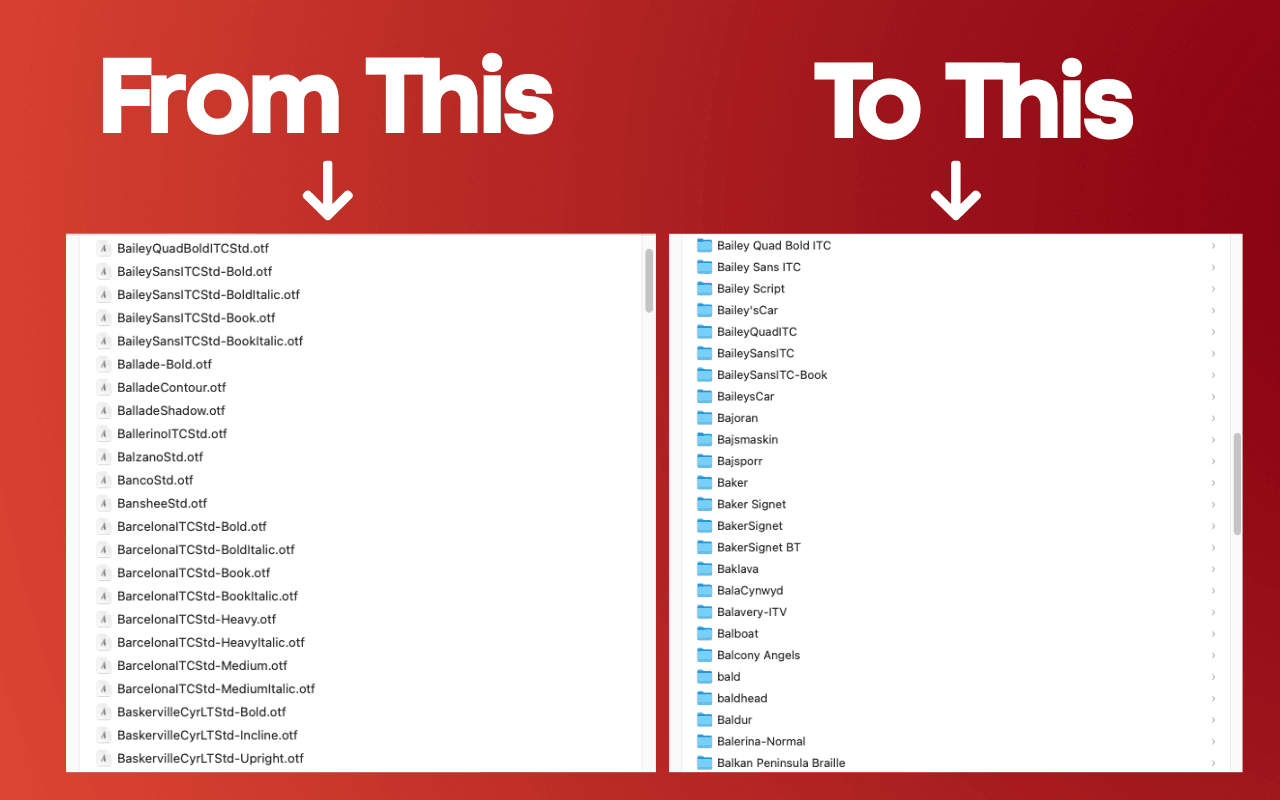
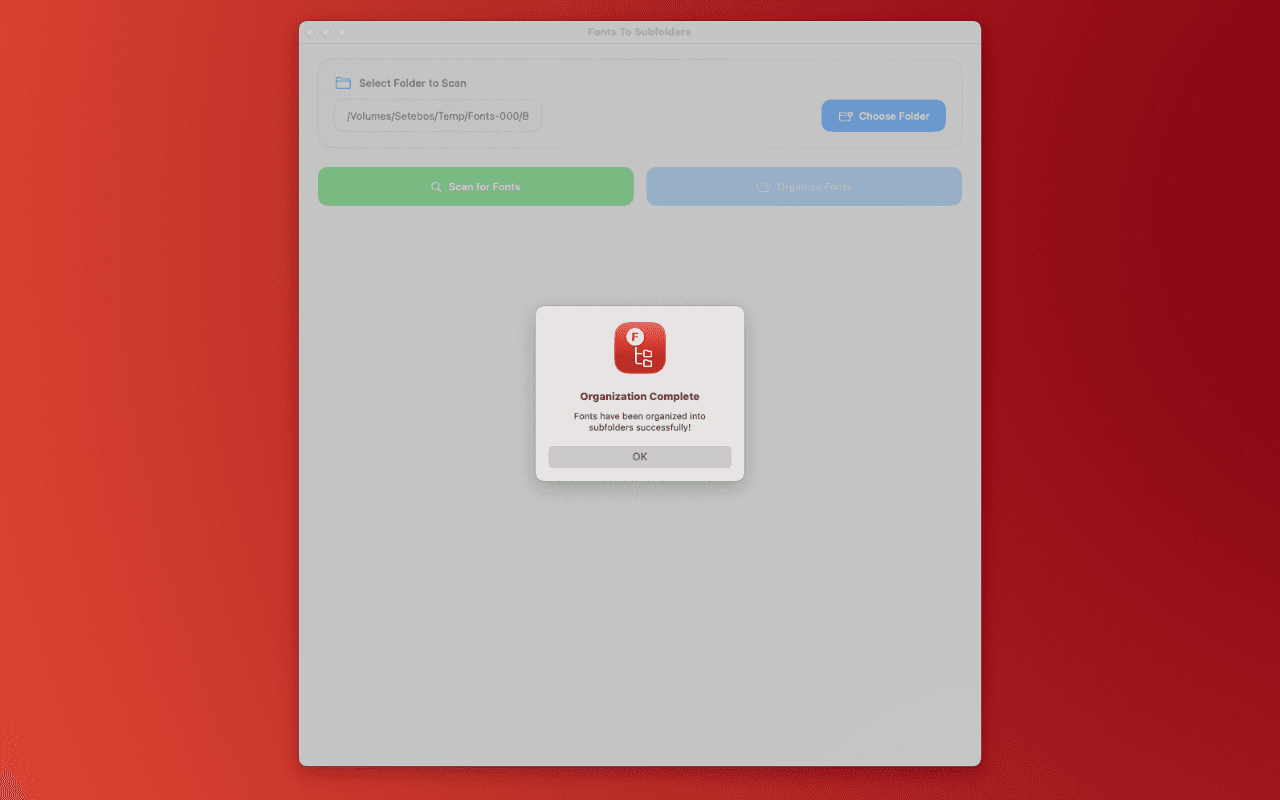
Fonts To Subfolders scans the metadata of font files in a selected folder and automatically organizes them into subfolders based on their family name. Perfect for designers, typographers, and anyone managing large font collections, this app brings instant structure to your font folders.
Choose to scan only the top-level folder, or enable recursive scanning to find fonts scattered across multiple subfolders. The app automatically consolidates fonts from the same family that are located in different folders, bringing them together into a single organized location.
With optional aggressive consolidation mode, you can group font variants by their base name—perfect for organizing font families with multiple variants like "CampusCm", "CampusCaps", and "CampusMR" into a single "Campus" folder.
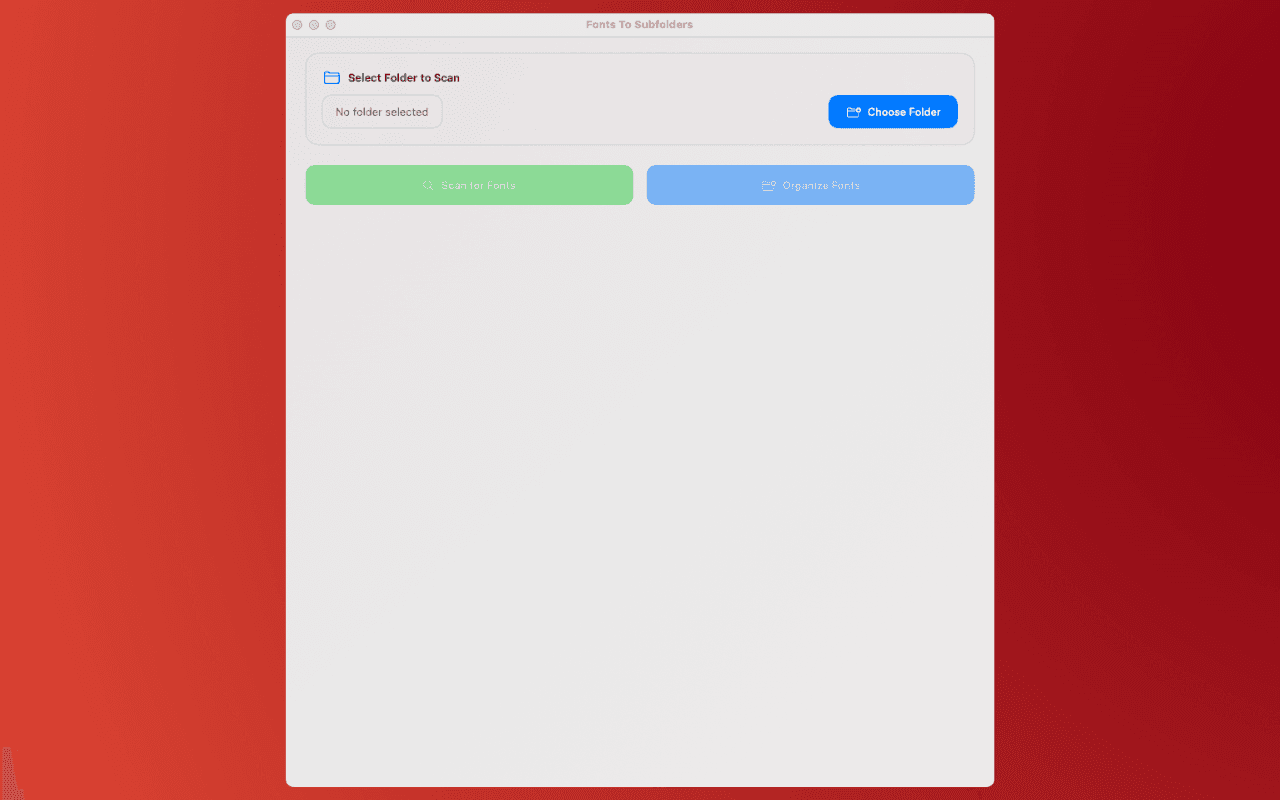
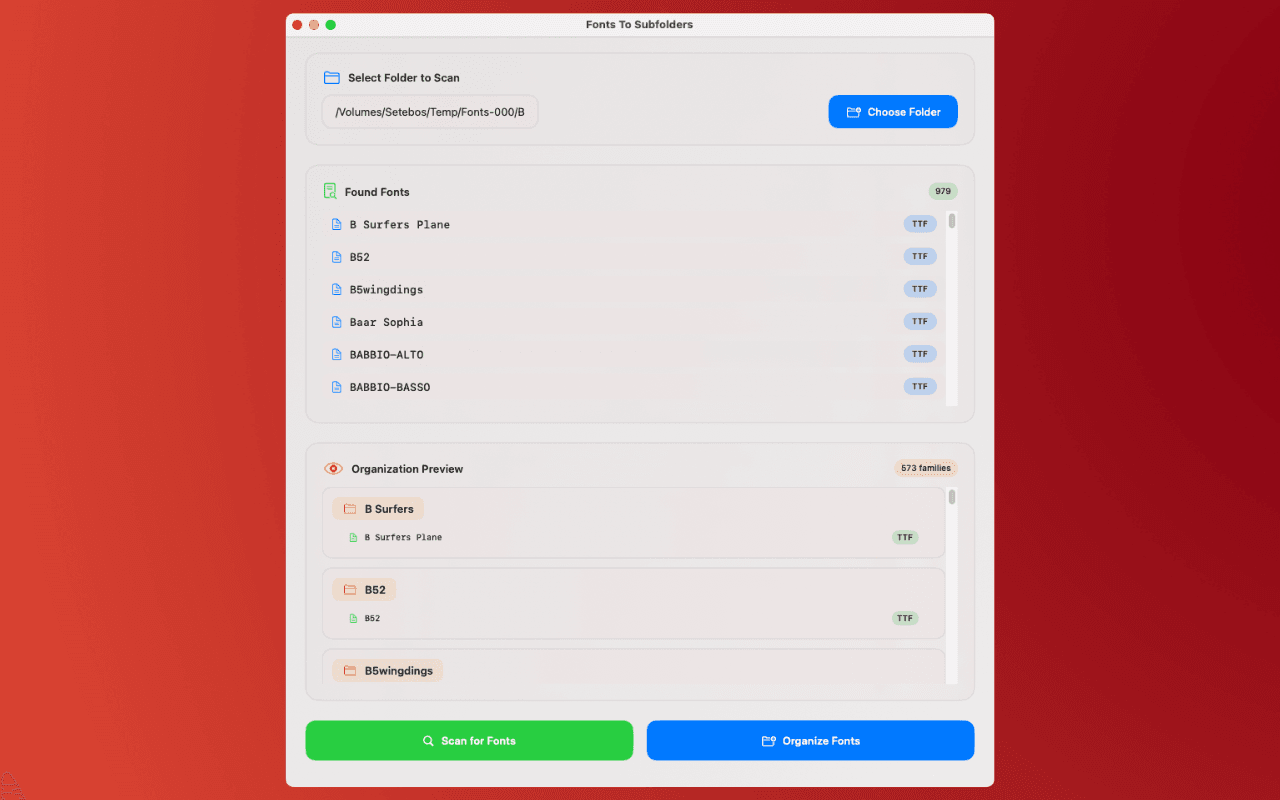
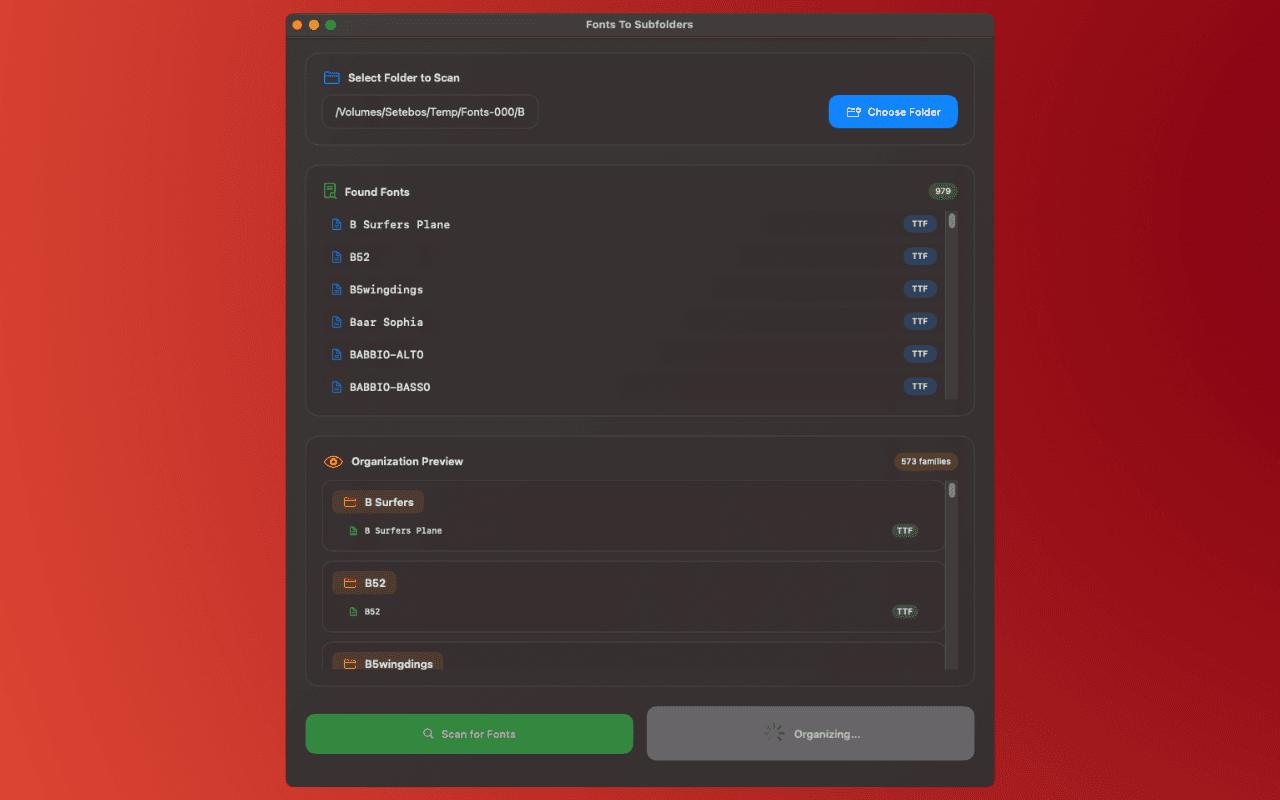
Before making any changes, you get a detailed preview showing exactly which folders will be created, which fonts will be moved, and which folders will be deleted.
Key features:
- Reads font metadata to sort by family name
- Scan top-level folder or recursively scan all subfolders
- Automatic consolidation of fonts across different folders
- Aggressive consolidation mode for grouping font variants
- Detailed preview of all changes before applying
- Automatically removes empty folders
- Beautiful translucent interface
Clean up your font chaos with a single click.
Download
macOS
Available on the Mac App Store
Screenshots
Support & Privacy
For support, suggestions, feedback, or any other inquiries, contact us at info@innokit.co and expect a reply in under 24 hours during business hours.
Privacy Policy
Fonts To Subfolders is an application that organizes your fonts folders into subfolders, by their family name. The app:
- Does not collect any personal information
- Does not store any user data
- Does not share any data with third parties
- Does not use any tracking or analytics
The app doesn't require any special permissions.
Disclaimer: This software is provided "as is" without warranty of any kind. We are not liable for any damages, losses, or issues arising from the use of this application. Users are responsible for their own use of the software and any decisions made based on the information provided.